Installation & Login
Installation
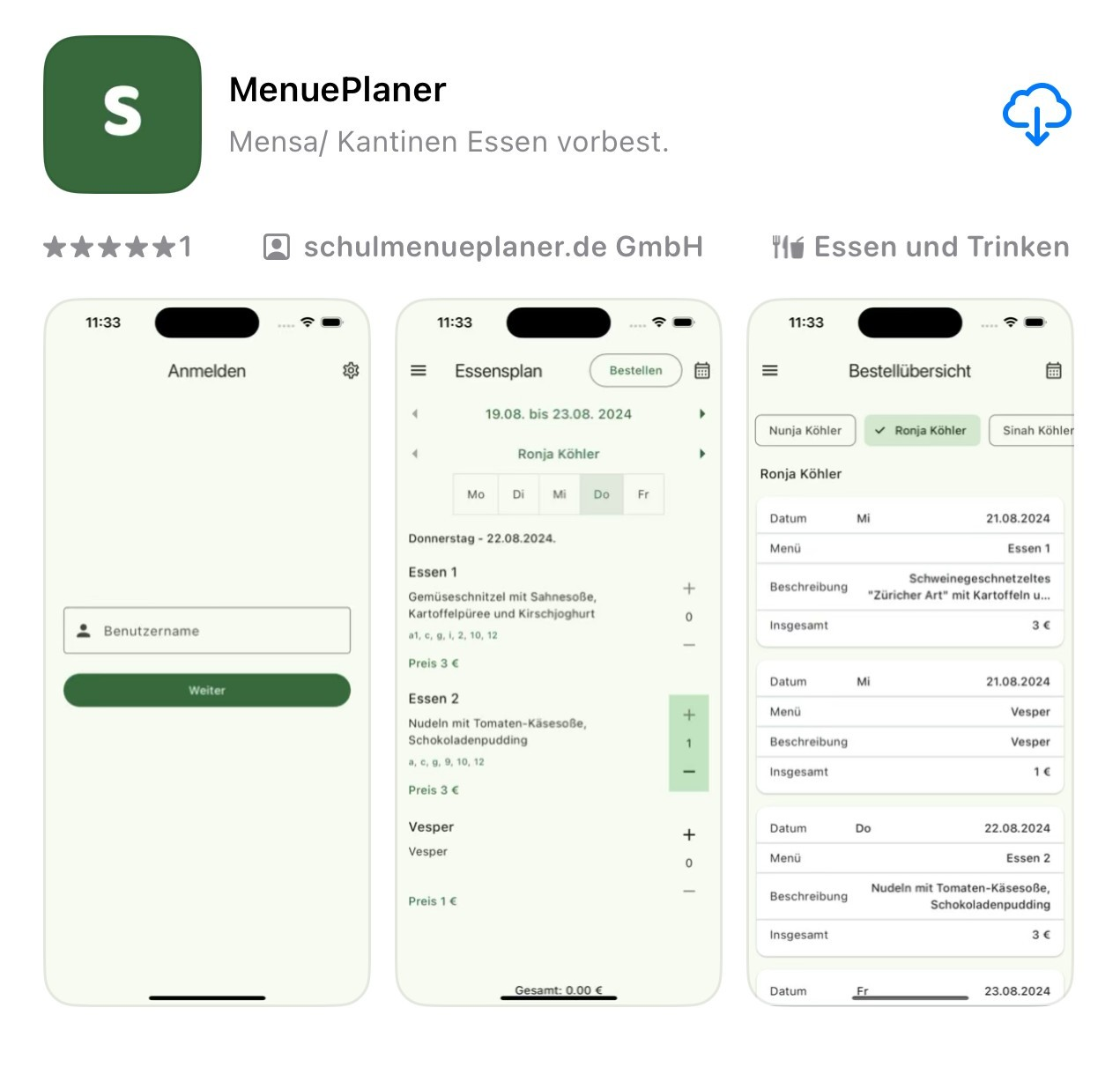
Install the MenuePlaner app from the Apple App Store or Google Play Store.
Login
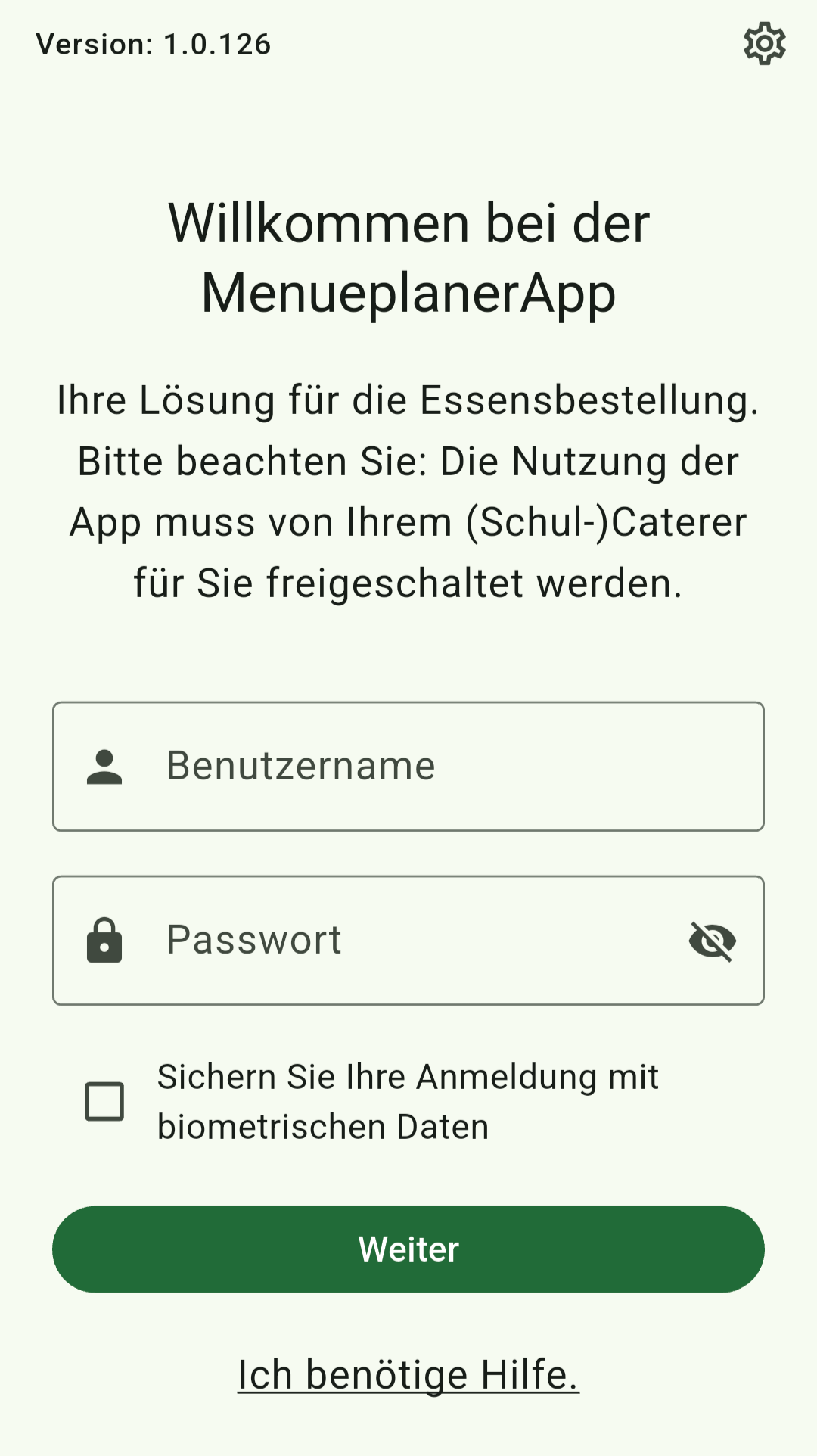
After installation, start the app and log in with your user account.
Enter your credentials in the "Username" and "Password" fields and then tap "Next".
Optionally, you can add biometric data such as fingerprint or face recognition to log in faster and more conveniently in the future.
Click the gear icon in the top right corner to adjust the app's language and design.
You can also display help for using the app.